Library of Juggling Browser Extension
Summary
This is a browser extension for Chrome & Firefox which adds new features to
LibraryOfJuggling.com.
Library of Juggling is a legendary website in the juggling community, however it hasn't been updated in several years. While I've
used this site quite a bit in my juggling journey and love it, there was one feature I've always wanted - that I could slow down the
GIFs playback speed in a lot of the more complex tricks to help better understand them. I'd never written a browser extension before so
figured this would be a fun learning exercise while also being able to give myself the feature I wanted.
Technologies
TypeScript / JavaScript, SCSS, Vite
Development
I developed this extension in June 2016. I decided to go vanilla TypeScript / JavaScript for this since it was a relatively small project. I used Vite as a builder. I wrote
this by hand ("artisan code", using no agentic AI) over the course of less than 2 weeks in my free time.
Features
GIF Playback
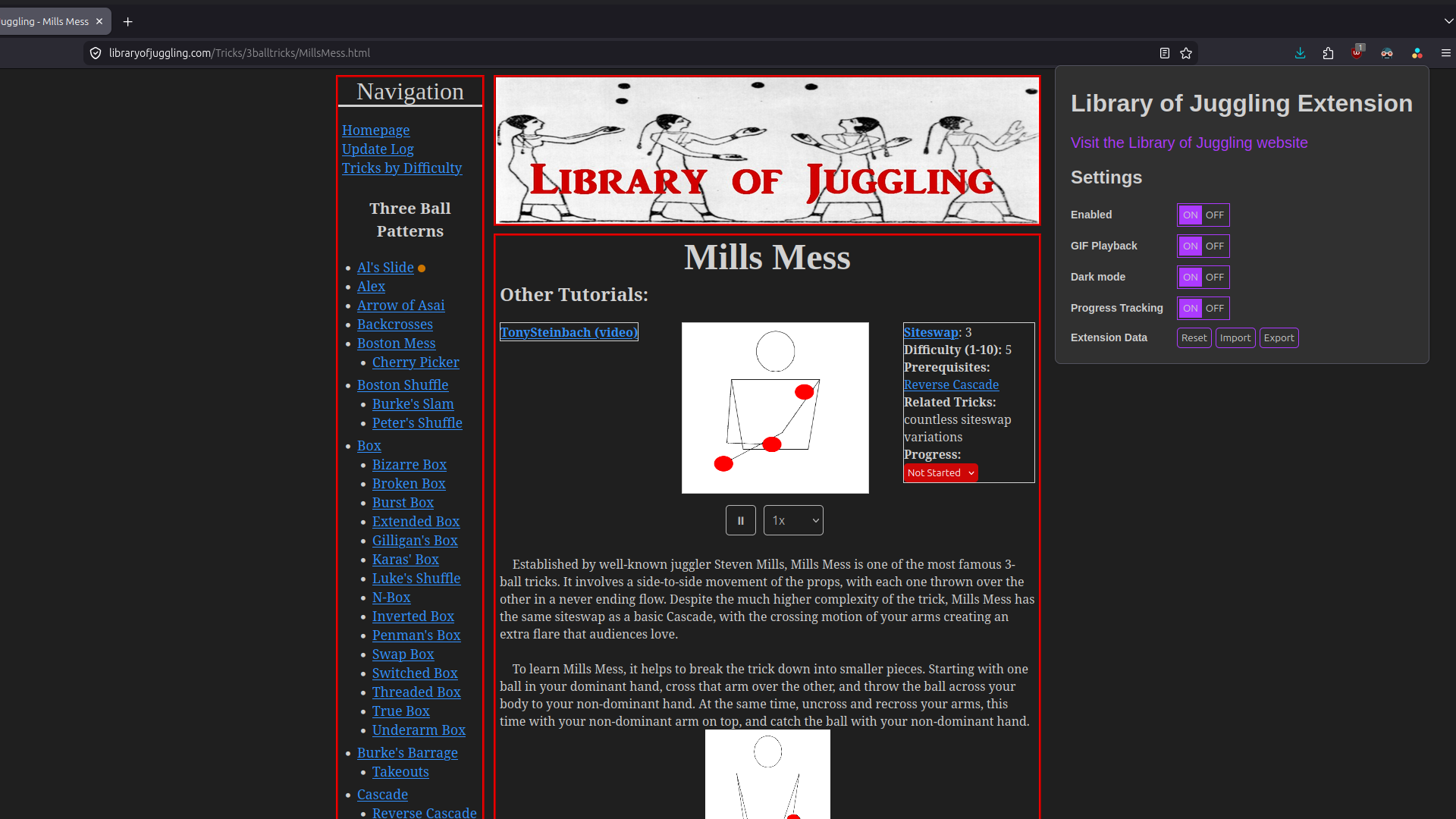
The main feature of this extension is the ability to slow down GIFs on the Library of Juggling website. This is especially useful for more complex tricks where it can be difficult
to understand the trick at full speed. In addition to playback speed control, I also added play/pause functionality.
Progress Tracking
The extension also adds a progress tracking feature to the Library of Juggling website. This allows users to track their progress on learning new tricks and see how far along they
are in their juggling journey. You can set state from trick details pages and list pages. You can see progress indicators in the site's sidebar. Addtionally, you can filter tricks
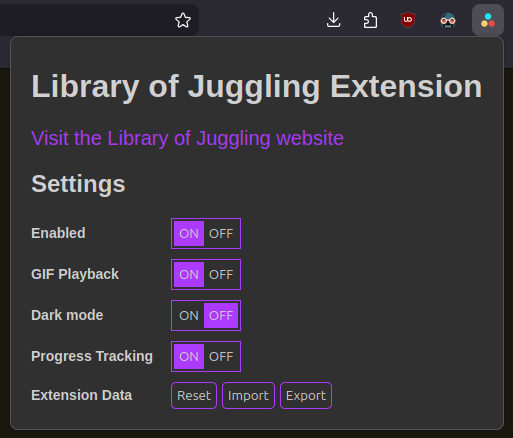
by progress state on the list pages. You can export/import/reset your progress data from the extension's settings panel.
Dark Mode
I'm a dark mode junkie so I figured I'd add dark mode to the Library of Juggling website as well.
Settings Panel
Enable/disable the entire extension, enable/disable individual features, and export/import/reset your progress data from the extension's settings panel.